 RowChart
Photo to Knitting Pattern
Use your swatch gauge to put a photo into stitches and rows. Compare the square chart and V-shaped stitch view against the estimated size of your fabric.
Photo charts include a free PNG with a rowchart.com footer and a 10-row written preview. A pattern unlock includes the print PDF, full rows and a watermark-free PNG.
Opening the chart editor…
Work through the chart
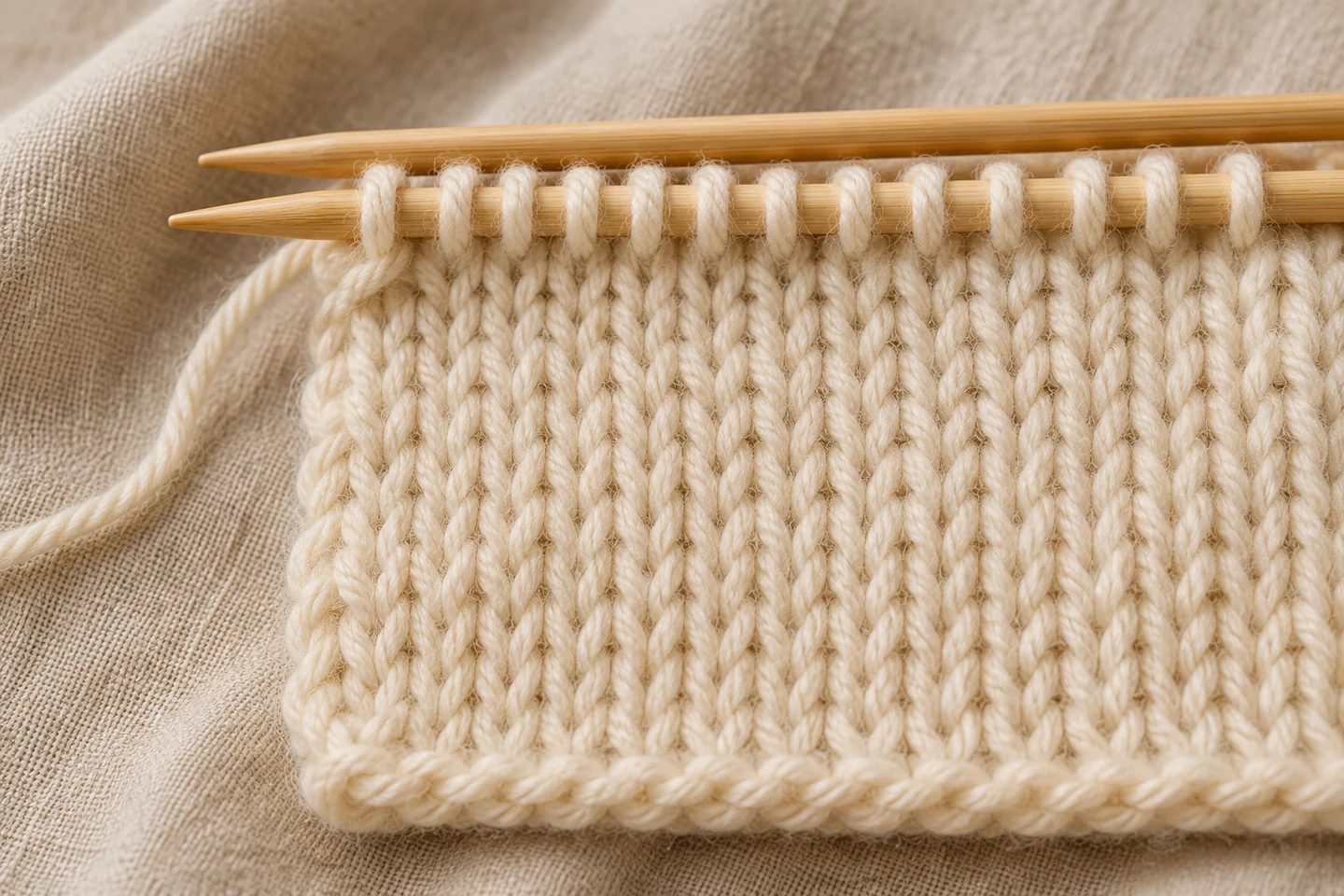
- Measure a swatch in your project yarn and stitch pattern. Enter both the stitch count and the row count over the measured length.
- Choose a photo or the Golden Pear motif. Set your target width, then compare the estimated fabric dimensions with your project.
- Switch between square cells and V-shaped stitches to check the motif’s proportions. Adjust fine details before following the rows.
From source to stitches
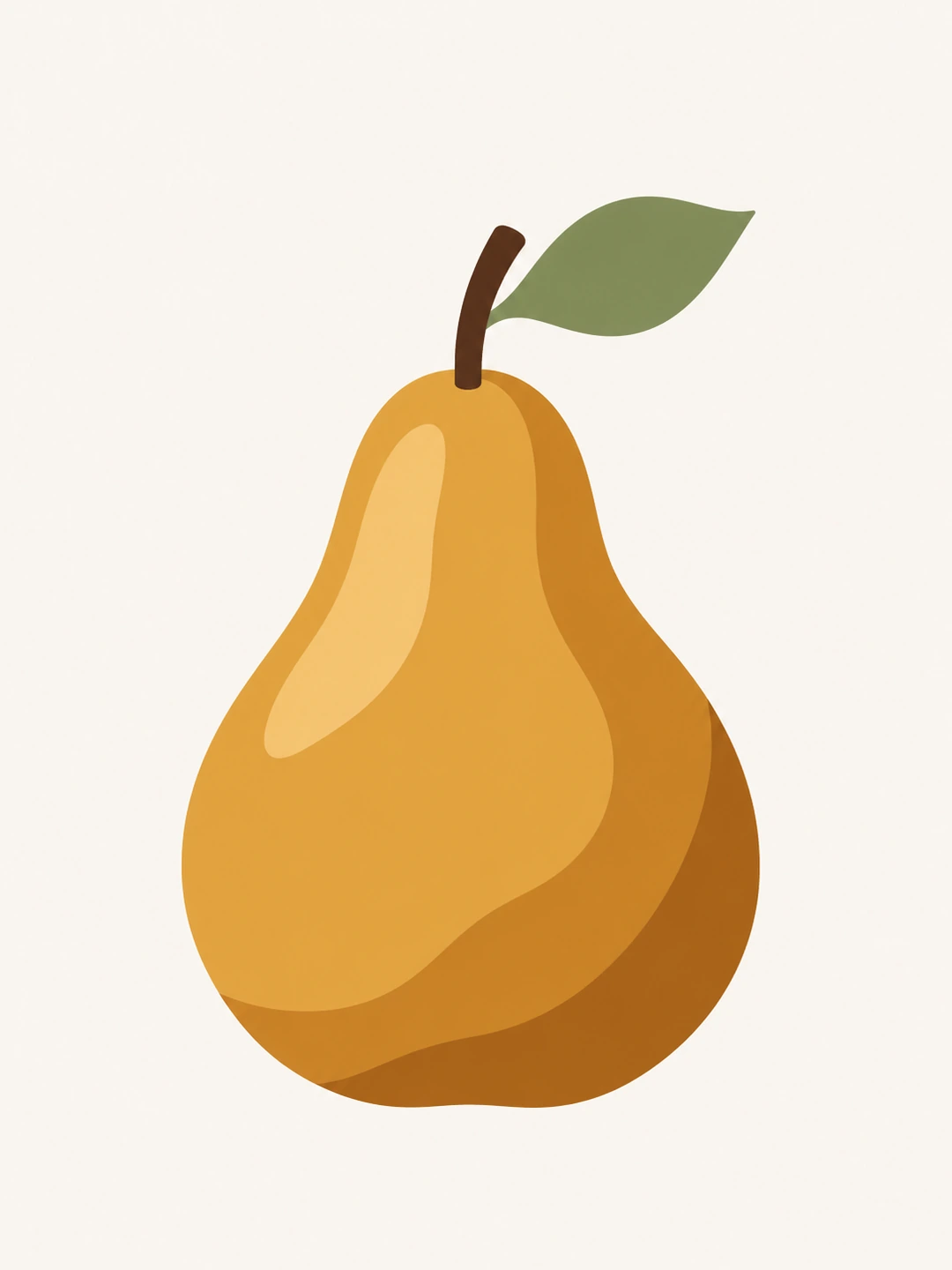
Converting the source image…
Frequently asked questions
Why does the chart ask for both stitch and row gauge?
A knitted stitch and a knitted row can measure differently. Both counts are needed to estimate the motif’s size on the finished fabric.
Does the V-shaped view change my pattern?
The square and V-shaped views show the same chart. Switch between them to inspect a cell or see the motif in stitch proportions.