 RowChart
Tapestry Crochet Pattern Generator
Try the two-leaf motif or choose a photo. A two-color threshold separates light and dark areas, and the change count shows where the yarn switches.
Photo charts include a free PNG with a rowchart.com footer and a 10-row written preview. A pattern unlock includes the print PDF, full rows and a watermark-free PNG.
Opening the chart editor…
Work through the chart
- Choose a photo with a clear silhouette, or start with Two Leaves. In two-color mode the threshold divides the image into light and dark yarn areas.
- Set a stitch width that fits your piece. Check narrow stems and edges as you reduce isolated cells, then compare the number of color changes.
- Follow the colors across the first ten written rows. Download the free PNG or open Make Mode to keep your place while you crochet.
From source to stitches
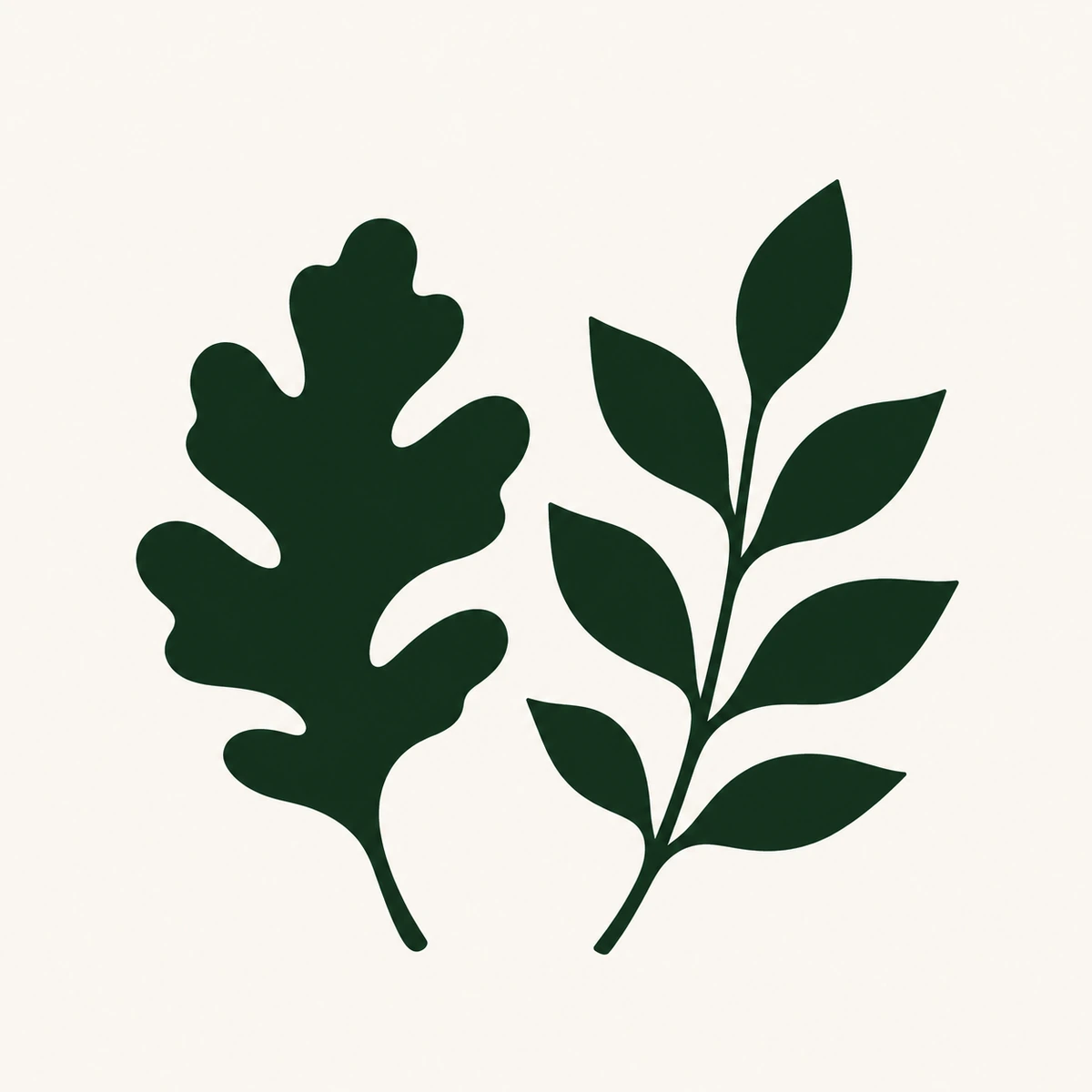
Converting the source image…
Frequently asked questions
What does reducing isolated stitches do?
It joins some small patches to surrounding colors. Compare the change count and the chart itself, especially around fine details you want to keep.
Can I try a motif before choosing a photo?
Yes. Start with Two Leaves for a silhouette or Nordic Cottage for an arrangement of larger color areas.